
Best Brivo Alternatives For Modern Access Control in 2026
.webp)
If your security program has outgrown a single-platform, cloud-only approach, you already know the problem. Brivo works well for straightforward deployments, but organizations managing multiple sites, mixed infrastructure, or strict compliance requirements consistently find the same gaps: limited deployment flexibility, hardware lock-in, and an all-or-nothing migration model that does not fit how enterprise security programs actually operate.
That is why security leaders evaluating Brivo competitors in 2026 are asking a different set of questions. Not just 'does this manage doors?' but: can it run on-premises where regulations demand it? Can it integrate with our existing video, intrusion, and identity stack? Can we migrate at our own pace without ripping out infrastructure that still works?
Acre answers all three. This guide compares the top Brivo alternatives, with a detailed look at why Acre is the strongest choice for organizations that need more than a cloud-only access control tool.
Note: If you’re evaluating Brivo alternatives for deeper integrations and true scalability without rip-and-replace, then Acre delivers the unified platform that lets enterprises simplify operations and scale confidently across sites. You get enterprise-grade scalability, deep integrations, and consistent policy control from a single platform, across every location you manage. Talk to the Acre team to see how it fits your environment.
Quick Summary: Top Brivo Competitors
Here is a snapshot of the platforms covered in this guide:
- Acre Security: Best overall. A unified enterprise platform supporting cloud, on-premises, and hybrid deployments, with phased migration options and a full physical security stack.
- Kisi: Cloud-native, mobile-first platform well-suited to tech-forward office environments.
- Avigilon Alta: Cloud platform combining access control and video for unified security workflows.
- Genetec: Enterprise-grade platform for large, integration-heavy environments.
- LenelS2: Traditional enterprise access control for legacy and integrator-led deployments.
The 5 Best Brivo Competitors in 2026
If you are rethinking access control in 2026, it is usually because the scope has changed. What starts as “manage doors and badges” quickly becomes a program that touches IT, compliance, facilities, and user experience. The platform you choose has to work across sites, credential types, and vendors, while staying manageable and supportable long term.
Teams typically evaluate alternatives when they need one or more of the following
- More deployment flexibility (cloud, hybrid, or on-premise) to match regulatory, network, or resilience requirements.
- Broader hardware choice to reuse existing infrastructure, reduce rip-and-replace, or avoid lock-in—while enabling a phased migration to the cloud through solutions like Acre Bridge.
- Deeper integrations with video, intrusion, visitor, HR, identity, and workplace systems so security data supports real workflows.
- Enterprise operations such as stronger multi-site controls, reporting, audit, and role-based administration.
In other words, the “best” platform is rarely the one with the longest feature list. It is the one that fits how your organization operates today and how you plan to scale over the next three to five years. Here's our top five picks, starting with the one we know best, our own.
Acre Security: Best Overall Brivo Alternative
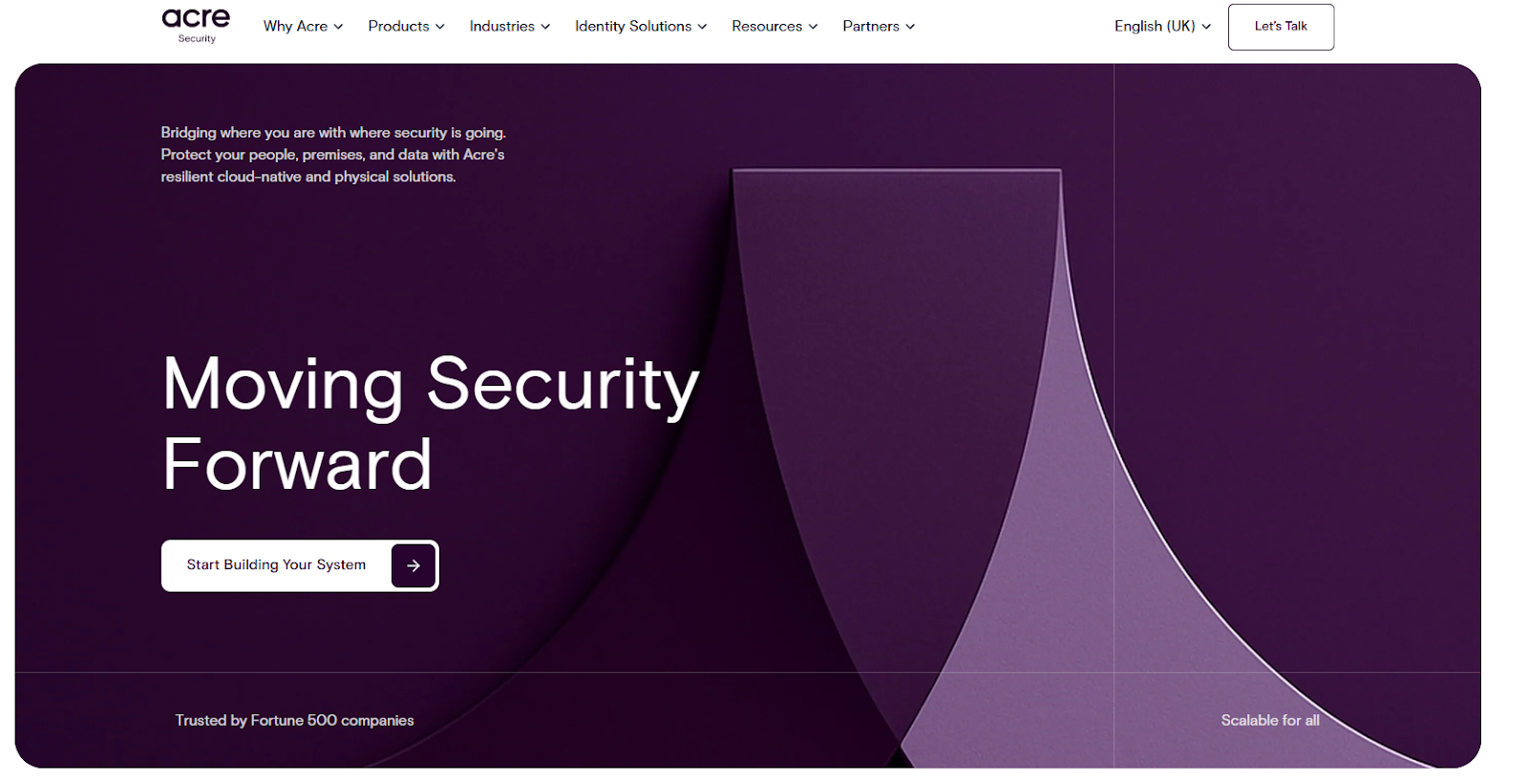
Acre Security is a strong option for organizations that want a unified security platform approach, with access control designed to work alongside adjacent physical security capabilities as programs grow. Where Brivo is built around a single deployment model, Acre is built around flexibility: cloud, on-premises, and hybrid all supported from one platform, across one vendor relationship.
Why Acre Is the Best Brivo Alternative
Acre's advantage over Brivo comes down to five specific areas that matter most to enterprise buyers:
- Deployment flexibility without compromise. Acre Access Control delivers enterprise-grade cloud access control for organizations ready to modernize. Access It! and DNA Fusion provide on-premises options for sites requiring local infrastructure, air-gapped environments, or data residency within their own environment. Most enterprise estates need both, and Acre supports hybrid configurations across the same portfolio, something a cloud-only platform cannot do.
- No rip-and-replace migration. Acre Bridge connects existing on-premises access control systems to Acre's cloud platform, allowing organizations to modernize at their own pace. You do not have to replace infrastructure that is still working on day one of a transition.
- A complete physical security stack. Acre is not just an access control vendor. Enterprise Visitor Management, acre Intrusion (SPCevo), and comnet by acre networking infrastructure are native components of the same platform. Organizations that buy from multiple vendors to cover these functions can consolidate to Acre without losing capability.
- Mobile credentials that work across the stack. Acre Wallet delivers secure mobile credentials via Apple Wallet, Google Wallet, and Samsung Wallet, compatible across Acre's access control platforms. Employees tap to enter using supported multi-tech readers, eliminating physical card management at scale.
- Enterprise administration built for portfolios. Multi-site policy control, real-time alerts, audit-ready reporting, and analytics dashboards are standard across Acre's cloud platform. For organizations managing dozens or hundreds of sites, this is the difference between a tool and a program.
For organizations that have outgrown Brivo, the practical outcome is this: Acre gives you a roadmap to unify physical security operations without forcing an all-or-nothing migration on day one.
If you are managing a growing portfolio and need access control that works across cloud, on-premises, and hybrid environments, the fastest path to clarity is a scoped conversation with the Acre team. Talk to the Acre team to map a realistic deployment plan.
Acre Security: Key Details
- Deployment models: Cloud (Acre Access Control), on-premises (Access It!, DNA Fusion), hybrid, and phased migration via Acre Bridge.
- Mobile credentials: Acre Wallet via Apple Wallet, Google Wallet, and Samsung Wallet.
- Full security stack: Access control, visitor management, intrusion detection, and secure networking as native platform components.
- Integrations: Identity, video management, workplace tools, and HR systems via open APIs and 100+ native connectors.
- Best for: Multi-site enterprise deployments, regulated environments, organizations modernizing legacy infrastructure in phases.
Why Choose Acre Security?
Choose Acre when you are trying to simplify a complex environment: multiple sites, mixed infrastructure, and a need to align access control with the rest of your security stack. It is most compelling when you want a roadmap toward unification and enterprise consistency without forcing an all-or-nothing migration on day one.
Pros
- Strong fit for multi-site standardization and portfolio-level operations
- Platform approach supports building toward unified security operations over time, with solutions like Acre Bridge enabling phased migration without disruption
- Designed for long-term operational efficiency through centralized administration
- Not rip and replace. Combines on-premise with top cloud access control features. Transition at your own pace.
Cons
- Rollouts can require more planning than simpler single-building cloud deployments
- Enterprise environments may need more up-front work for integrations, policies, and role design
Pricing
Acre typically packages capabilities in tiers and scopes pricing to deployment size and requirements, with hardware and services usually scoped separately for larger rollouts. Expect a quote-driven process for enterprise needs.
Ideal Use Cases
- Multi-site enterprise security programs
- Organizations modernizing legacy infrastructure in phases
- Environments that benefit from unifying access with other security domains over time
Kisi
Best cloud native and mobile-first solution
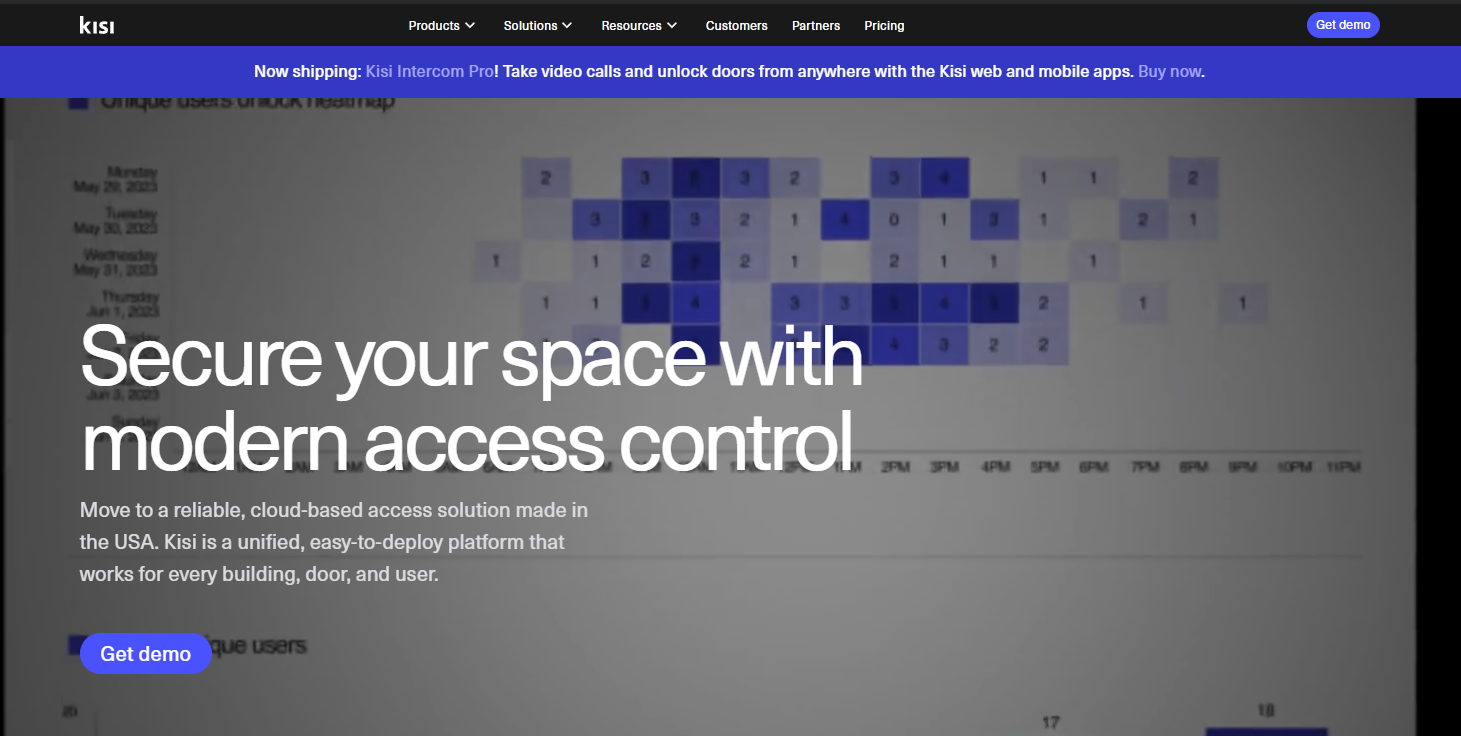
Kisi is a cloud-first access control platform designed for fast deployments and a modern user experience. It is often selected by organizations that want straightforward administration, mobile-centric credentials, and clearer subscription packaging for budgeting and operations.
Key Features
- Cloud-based administration with a mobile-led user experience
- Remote management and centralized activity visibility
- Subscription packaging with tiered options to align features with requirements
- Common fit for modern office environments and operational simplicity
Why Choose Kisi?
Choose Kisi when you want a cloud-first deployment that is quick to roll out and easy to operate. It is typically strongest for organizations prioritizing user experience, lean administration, and predictable subscription-based planning.
Pros
- Strong fit for modern workplace environments and mobile-led credential workflows
- Subscription packaging supports earlier-stage forecasting and procurement planning
- Operationally simple for smaller teams managing access control
Cons
- May not be the best fit for highly complex campuses requiring extensive customization and hybrid constraints
- Some environments may prefer broader legacy hardware reuse than cloud-first models typically emphasize
Pricing
Kisi uses a subscription model with tiered plans and add-ons. Hardware and any onboarding or support packages are typically scoped separately.
Ideal Use cases
- Startups and tech offices
- Single-site or small multi-site businesses
- Organizations prioritizing mobile access and rapid cloud rollout
Avigilon Alta
Best unified video and access platform
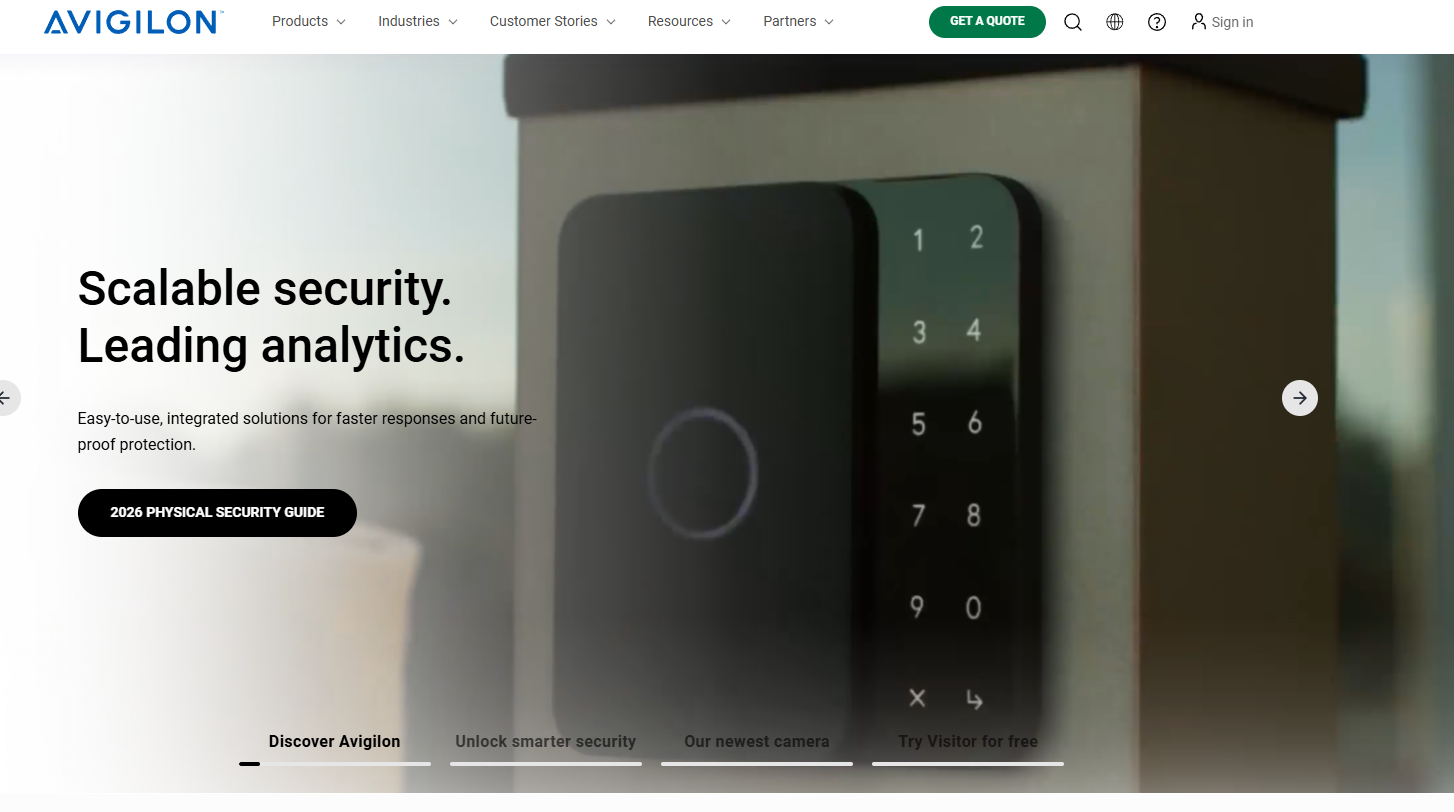
Avigilon Alta is positioned for organizations that want access control and video operations to work as a unified security workflow. It is often evaluated when teams want stronger operational alignment between access events and visual verification, plus centralized administration across security functions.
Key Features
- Cloud-managed approach oriented around unified security operations
- Strong focus on linking access events to video workflows for response and investigation
- Scalable architecture for larger deployments and multi-site operations
- Integrations designed to connect broader security tooling and operational needs
Why Choose Avigilon Alta?
Choose Avigilon Alta when video and access need to operate as a single day-to-day workflow, and when faster investigation and response are priorities. It is a strong candidate for teams consolidating security tooling while still needing integration options.
Pros
- Strong fit for organizations prioritizing unified security workflows
- Scales well for larger environments that need centralized visibility and response
- Often compelling when video and access are operationally inseparable
Cons
- Full-suite deployments can increase cost once video and related modules are included
- Larger rollouts may require more upfront design around operations, integrations, and workflows
Pricing
Avigilon Alta pricing is typically subscription-oriented, with packaging influenced by deployment size, features, and the scope of video and related capabilities. Many deployments are quote-driven at enterprise scale.
Ideal Use Cases
- Enterprise campuses with high security needs
- Organizations aligning access operations tightly with video workflows
- Environments where security consolidation is a priority
Genetec
Best for large enterprises and campuses
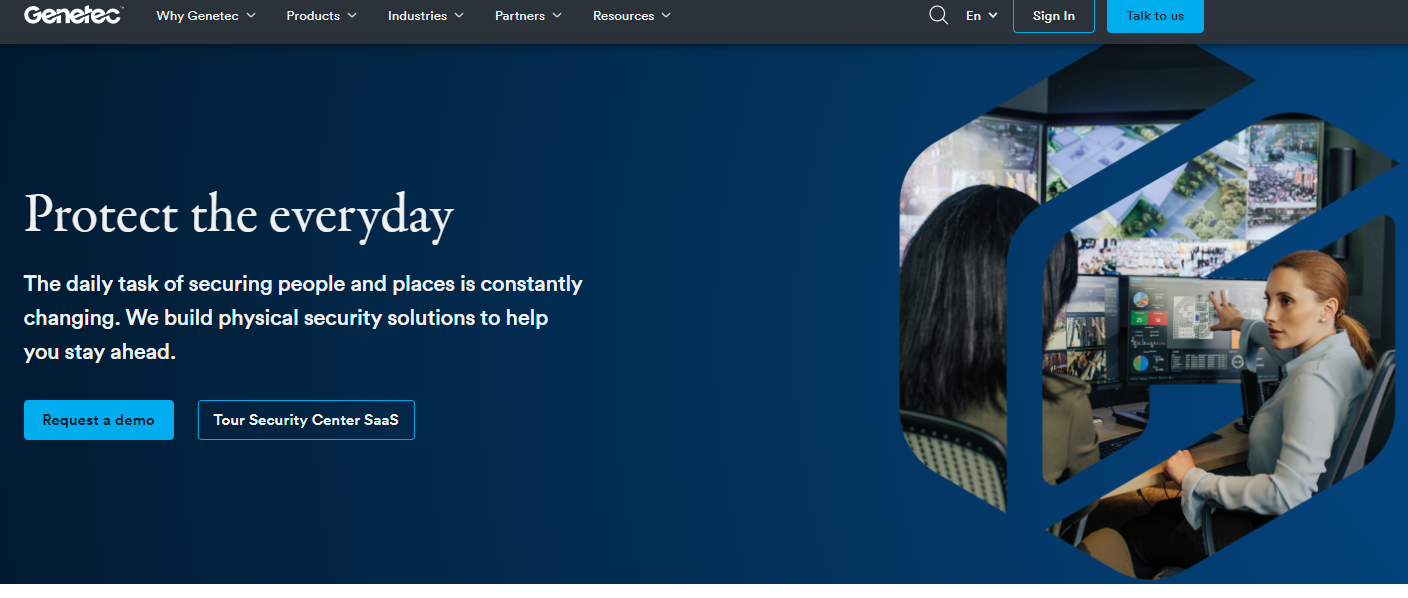
Genetec is widely used in complex, integration-heavy enterprise environments. Its access control offering is commonly selected for large deployments where hybrid or on-premise governance matters, and where deep integration with a broader security ecosystem is a core requirement.
Key Features
- Enterprise access control designed to scale across many sites and secure areas
- Strong integration posture for complex environments and multi-system operations
- Deployment architectures that support governance-heavy environments
- Modular approach that scales with operational and security requirements
Why Choose Genetec?
Choose Genetec when your environment is large, complex, and integration-heavy, such as campuses, critical infrastructure, or global enterprise portfolios. It is typically most valuable when you have experienced security operations and integrator support to design and maintain a system at scale. Compare Genetec vs Acre and Verkada here.
Pros
- Strong enterprise scale and integration depth for complex deployments
- Often preferred when governance and local control requirements are strict
- Mature for environments that treat physical security as a platform, not a tool
Cons
- Higher operational complexity than cloud-first systems
- Cost and rollout effort can be higher due to integration and scale requirements. See more Genetec alternate options here.
Pricing
Genetec deployments are typically quote-driven and commonly include licensing plus ongoing support and maintenance. Costs are heavily shaped by modules, integrations, and deployment scale.
Ideal use cases
- Large enterprise campuses
- Multi-building or global organizations
- Environments with complex compliance needs and deep integration requirements
LenelS2
Best traditional enterprise alternative
LenelS2 is a long-standing enterprise access control provider commonly seen in legacy-heavy environments and integrator-led operating models. It remains a frequent choice when organizations prioritize established enterprise patterns, broad compatibility, and traditional deployment approaches.
Key Features
- Enterprise-focused access control designed for integrated and customizable deployments
- Deployment models that align with traditional on-premise and hybrid environments
- Strong fit for integrator-driven implementation and ongoing lifecycle management
- Established operating patterns for compliance-heavy enterprise environments
Why Choose LenelS2?
Choose LenelS2 when you have existing enterprise infrastructure, an integrator-led model, or a preference for established on-premise and hybrid patterns. It is often selected where reliability, established workflows, and integrator ecosystems matter as much as modern UI and cloud-native speed.
Pros
- Proven track record in enterprise environments
- Strong fit for legacy infrastructure and established deployment practices
- Widely supported in integrator ecosystems and traditional procurement models
Cons
- User experience and workflows can vary across LenelS2’s portfolio, depending on the platform and deployment model selected
- High reliance on integrators depending on scope, integrations, and customization needs
Pricing
LenelS2 offers multiple pricing models depending on deployment. Traditional systems are typically structured around licensing, support, and implementation scope, while cloud offerings move toward per-door and per-camera subscription pricing—though overall costs can still vary based on system complexity and integrations. Learn more here.
Ideal Use Cases
- Large enterprises with legacy systems
- Organizations requiring on-premise control and established enterprise patterns
- Environments with strict compliance needs and integrator-led operations
Brivo Competitors at a Glance
Brivo vs. Top Alternatives: Feature Comparison
Access Control Pricing: What to Expect
Comparing access control pricing across vendors requires looking beyond per-door subscription rates. The total cost of ownership is shaped by three areas:
- Software packaging and billing model. Cloud-first vendors typically price subscriptions by door, site, or feature tier. Enterprise platforms are usually quote-driven, with licensing shaped by deployment scope and integrations.
- Hardware and installation scope. Controllers, readers, locks, and cabling frequently outweigh year-one software costs. Platforms that support hardware reuse and phased migration, such as Acre, can significantly reduce upfront capital spend and shorten payback.
- Implementation and long-term operations. Onboarding, system design, integrator services, training, and ongoing support costs materially change the five-year total. Ask vendors to separate software, hardware, and services, then model realistic growth scenarios.
Key Criteria for Choosing a Brivo Competitor
- Deployment model and resilience: Start with your environment and risk posture. A true cloud system reduces on-site infrastructure, while hybrid or on-premise options can better fit strict network controls, data requirements, or continuity planning. Ask what remains functional during an internet outage, what requires local services, and what the recovery process looks like.
- Hardware compatibility and migration path: Access control upgrades get expensive when they become rip-and-replace projects. If you have existing controllers, readers, or locks you want to keep, prioritize platforms that support phased upgrades and have a clear migration plan. This reduces downtime, preserves budget, and lowers the operational burden on your teams.
- Integrations and ecosystem maturity: Access control rarely stands alone. Validate native integrations, APIs, and the maturity of third-party partnerships. Look for evidence that integrations are maintained, supported, and widely deployed, not simply listed. Prioritize the workflows you actually rely on: identity, HR, video, intrusion, visitor management, and workplace tools.
- Operational scalability and administration: Multi-site policy management, role-based permissions, delegation, reporting, and audit readiness are what separate “works at one site” from “runs a portfolio.” If you manage many locations, evaluate how long routine tasks take at scale: onboarding, offboarding, access reviews, incident investigation, and permission changes.
- Security, compliance, and auditability: Confirm audit logging, reporting depth, credential governance, update practices, and how the vendor handles security issues. In regulated environments, ask how common compliance workflows are supported without custom workarounds, especially around reporting, access reviews, and tamper or incident evidence.
- Total cost of ownership: Licensing structure, hardware requirements, implementation fees, and ongoing support costs all affect what a platform actually costs at scale. Subscription tiers, per-door or per-user pricing, and upgrade costs are rarely straightforward to compare across vendors. Before committing to a platform, it's worth understanding the full Brivo access control cost picture alongside alternatives so your evaluation reflects long-term value, not just upfront price.
Why Organizations Are Moving Beyond Brivo
Most teams do not start looking for Brivo alternatives because Brivo is broken. They start looking because the scope of their security program has changed, and a cloud-only, single-vendor model no longer covers it. The most common triggers are:
- Deployment flexibility: Regulated sites, government facilities, or environments with strict network policies need on-premises or hybrid options that cloud-only platforms cannot support.
- Hardware compatibility: Rip-and-replace migrations are expensive and disruptive. Organizations with existing reader and controller infrastructure need a platform that supports phased upgrades.
- Integration depth: Access control that cannot connect to video, intrusion, visitor management, HR, and identity systems creates operational silos instead of solving them.
- Enterprise administration: Multi-site policy control, audit-ready reporting, and role-based delegation are non-negotiable at portfolio scale.
The right Brivo alternative is not the platform with the longest feature list. It is the one built for how your organization operates now and where it needs to go over the next three to five years.
Acre Security: Recommendation and Next Steps
If your organization is moving beyond single-site access control and into portfolio security operations, Acre is built for that reality. Instead of treating access control as an isolated tool, Acre supports an approach where access can be aligned with broader physical security workflows and scaled with your program over time.
Why Acre for modern access control?
- Unify operations by reducing tool sprawl and centralizing oversight across sites
- Scale confidently with enterprise-ready administration, policies, and reporting expectations
- Modernize on your timeline with a phased approach that supports real-world environments and constraints
If you are comparing platforms this quarter, the fastest path to clarity is a scoped conversation around your door count, site mix, existing hardware, integration targets, and compliance needs. From there, you can map a phased plan and a realistic cost model. Talk to an Acre Expert.
Final Verdict
Brivo remains a strong cloud access control option, but many teams outgrow a single-platform approach as they scale across sites, integrate more systems, or face stricter governance and reporting requirements.
The best alternatives typically fall into two practical categories. Cloud-first platforms prioritize speed, simplicity, and user experience. Enterprise and hybrid platforms prioritize integration depth, multi-site policy control, and long-term flexibility. The right answer depends less on feature checklists and more on how you operate: onboarding and offboarding, audits, investigations, and how quickly you can extend access control across new sites.
Use the criteria in this guide to narrow the field, then pressure-test your shortlist with real workflows and a lifecycle cost view. When you evaluate the platform in the context of operations and growth, the best fit usually becomes clear.
Frequently Asked Questions
Can I reuse my existing access control hardware if I switch from Brivo?
It depends on the platform. Acre, Genetec, and LenelS2 are better suited for phased migrations that reuse existing readers and controllers. Acre Bridge specifically enables organizations to connect on-premises infrastructure to Acre's cloud platform without replacing it. Cloud-only platforms typically require more standardized hardware. Always confirm compatibility before planning a migration.
What is the typical cost per door for modern access control systems?
Costs vary by deployment model and features. Cloud-native platforms often charge recurring subscriptions per door or per user. Enterprise systems combine software licensing, hardware, and services. Total cost is shaped heavily by integrations, installation complexity, and how much existing hardware can be reused.
How long does it take to deploy a new access control platform?
Small, cloud-first deployments can go live in days or weeks. Multi-site or enterprise rollouts typically take several months, especially where hardware upgrades, integrations, and policy design are involved. Phased migrations by building or region are common for larger organizations.
Does Acre support on-premises deployment?
Yes. Acre supports cloud, on-premises, and hybrid deployments. Acre Access Control is Acre's cloud-managed SaaS platform. Access It! and DNA Fusion are Acre's on-premises platforms for organizations requiring local control, air-gapped infrastructure, or data residency within their own environment. Access It! is Acre's flagship on-premises access control software for broad enterprise deployment. DNA Fusion is designed for environments that need to unify access control with video, intrusion, and audio management in a single system. Hybrid configurations combining on-premises access control with cloud visitor management or monitoring are common for regulated and government sites.
What integrations should I prioritize when choosing a new system?
Focus on the workflows you rely on daily. Common priorities include video surveillance, visitor management, HR or identity systems for automated provisioning, and mobile credentials. Strong integrations reduce manual work and improve incident response. Acre supports 100+ native integrations across identity, video, workplace, and HR systems.
When should I choose cloud-first versus hybrid or on-premises access control?
Cloud-first works best for fast deployment and simplified IT overhead. Hybrid or on-premises models are preferred for large campuses, strict network policies, regulated environments, or sites that need local operation during outages. Acre supports all three deployment models from a single platform, allowing organizations to mix approaches across their portfolio.
What are the biggest migration challenges when replacing an access control system?
The most common challenges are hardware replacement costs, re-credentialing users, redesigning access policies, and coordinating cutovers without downtime. Acre's phased migration approach, including Acre Bridge for connecting on-premises systems to cloud, is specifically designed to reduce these risks.
.jpg)
.webp)
.webp)