
5 Best Verkada competitors and alternatives in 2026
.webp)
Verkada has quickly become a prominent name in cloud-managed physical security, offering a unified platform that brings together video surveillance, access control, alarms, and environmental sensors. Its streamlined, cloud-native approach appeals to organizations seeking simplicity and centralized management. However, as the market evolves, security directors and IT leaders are increasingly considering Verkada competitors. Concerns about pricing, proprietary hardware, deployment flexibility, integration options, and the risks of vendor lock-in are driving this shift.
This guide provides an in-depth, expert analysis of the top Verkada alternatives for 2026. We examine each platform’s strengths, weaknesses, pricing models, and ideal use cases, helping decision-makers identify the best fit for their unique security and operational needs.
Key takeaways
- Your choice of physical security platform directly impacts risk reduction, compliance, scalability, and long-term costs.
- Deployment flexibility matters most. Cloud, hybrid, and on-premises options support different operational and regulatory needs.
- Open integrations and hardware compatibility help reduce vendor lock-in and protect existing infrastructure investments.
- Acre Security emphasizes flexible, unified management across cloud and hybrid environments, while Rhombus Systems, Eagle Eye Networks, Genetec, and Avigilon each address specific use cases, from cloud-first simplicity to enterprise customization and advanced analytics.
Top Verkada competitors at a glance
Understanding verkada and the need for alternatives
Verkada has become a leading name in cloud managed physical security, unifying video surveillance, access control, alarms, and environmental sensors within a single platform. Its intuitive interface, simplified deployment, and centralized cloud management make it attractive to organizations that want fast rollouts and consistent oversight across multiple locations.
However, this cloud first and largely proprietary approach can introduce limitations. Organizations that require hybrid or on premises deployments may face reduced flexibility. Vendor specific hardware can increase costs and create lock in, while tighter integration controls may restrict compatibility with third party systems. At scale, subscription pricing and storage fees can also raise the total cost of ownership.
For these reasons, many enterprises and multi-site businesses are exploring alternatives that provide broader deployment options, open integrations, hardware choice, and more predictable pricing, allowing them to protect their investment and maintain greater control over their long term security strategy.
How to choose the best verkada competitor
Choosing a physical security platform is not just a feature comparison. It is a long term infrastructure decision that affects cost, flexibility, and operational risk for years to come. The right alternative should fit your deployment model, integrate cleanly with your existing systems, and scale without adding unnecessary complexity or hidden expense.
Focus on these high impact criteria:
Deployment flexibility
Look for solutions that support cloud, hybrid, and on premises environments. This allows you to modernize at your own pace, support sites with limited connectivity, and meet data residency or compliance requirements without rearchitecting your system.
Integration and openness
Prioritize platforms with open APIs and broad hardware compatibility. The ability to reuse existing cameras, access control devices, and IT systems reduces migration costs and helps avoid vendor lock in over the long term.
Scalability and centralized management
The platform should reliably support multiple locations, users, and thousands of devices from a single interface. Features like centralized administration, role based permissions, viewing in real time, and consistent performance at scale are essential for growing organizations.
Practical analytics and AI
Advanced analytics should deliver measurable operational benefits, not just technical features. Capabilities such as fast video search, intelligent alerts, and automated workflows can reduce manual monitoring and speed up response times.
Transparent total cost of ownership
Assess the full lifecycle cost, including hardware, licensing, storage, and add ons. Clear, predictable pricing makes it easier to budget and scale without unexpected fees.
By focusing on flexibility, openness, scalability, and true cost, security and IT leaders can choose a platform that delivers long term value rather than short term convenience.
The 5 best Verkada competitors in 2026
1. Acre Security
Best overall Verkada alternative
Acre Security delivers a unified physical security platform designed for organizations that need flexibility beyond a cloud-only approach. It centralizes access control, intrusion detection, visitor management, and analytics within a single system while supporting cloud, hybrid, and on-premises deployments. This deployment choice, combined with an open integration strategy, makes Acre particularly well suited to enterprises modernizing complex, distributed, or compliance-sensitive environments.
Key features
- Unified management of access control, intrusion, and visitor workflows from one interface
- Cloud, hybrid, and on-premises deployment options
- Open APIs and broad third-party and legacy system integrations
- Real-time alerts, centralized dashboards, and mobile credential support
- Enterprise-grade scalability for large, multi-site operations
Why we recommend it
Acre stands out for its balance of flexibility, scalability, and openness. Rather than forcing a single deployment model or proprietary hardware stack, it allows organizations to modernize at their own pace while preserving existing investments. Its modular architecture supports phased rollouts and complex integrations, making it a practical and future-ready alternative to Verkada.
Pros
- Flexible deployment across cloud, hybrid, and on-premises environments
- Strong integration ecosystem with open APIs and hardware choice
- Scales effectively across multi-site and enterprise footprints
- Modular design reduces vendor lock-in risk
- Centralized management simplifies operations and oversight
Cons
- Broader capabilities can introduce complexity for smaller teams
- Some advanced analytics or automation features require additional licensing
- Initial setup and migrations may require planning or professional services
Pricing
Acre uses a subscription-based, modular pricing model. Costs scale according to deployment size, features, and integrations, with clear add-ons rather than bundled hardware requirements. This structure helps organizations forecast expenses and manage total cost of ownership more predictably.
Ideal use cases
- Multi-site enterprises consolidating or modernizing physical security systems
- Organizations requiring hybrid or phased cloud migration strategies
- Environments with complex integration or compliance requirements
- Teams seeking a unified platform without hardware or ecosystem lock-in
2. Rhombus systems
Best cloud-first alternative
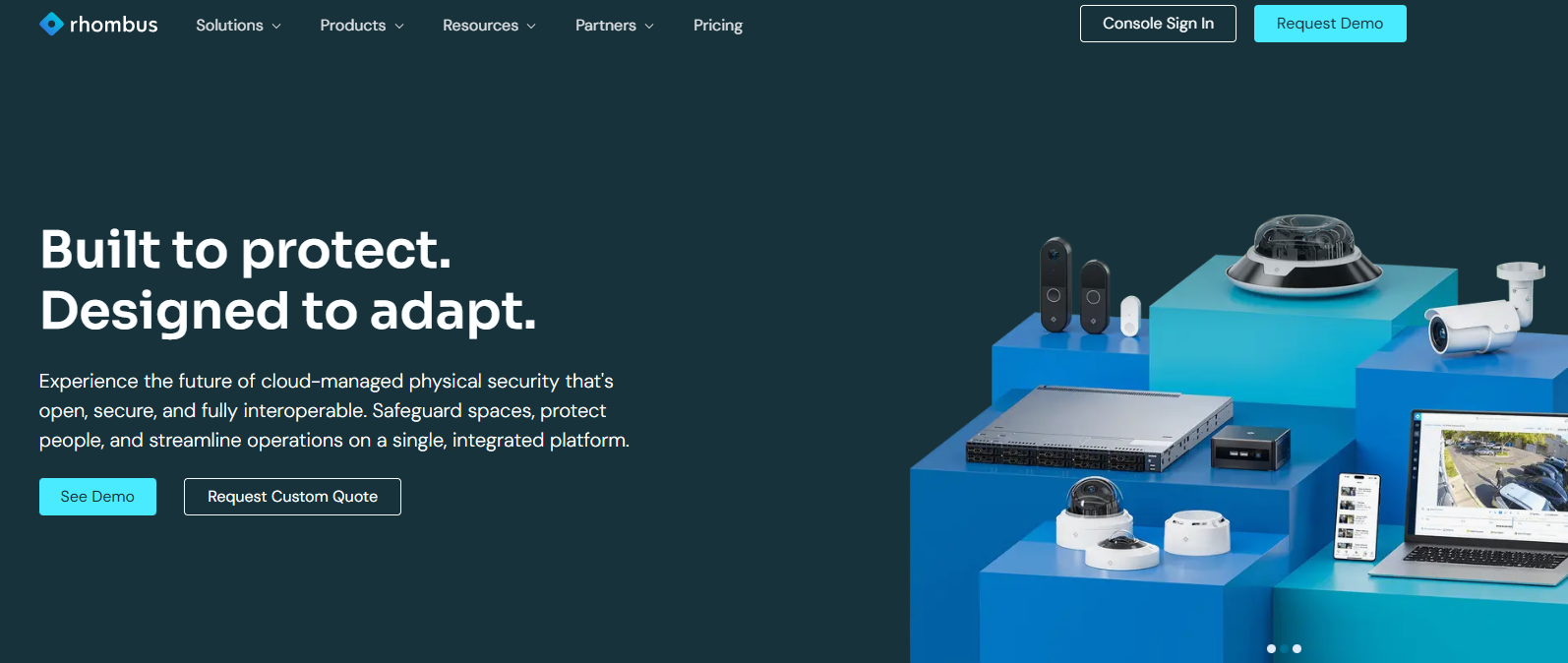
Rhombus Systems delivers a cloud-native physical security platform that unifies video surveillance, access control, sensors, alarms, and analytics within a single, centrally managed console. The system is designed for simplicity and speed, enabling organizations to deploy and manage security across multiple sites without maintaining on-premises servers or complex infrastructure. Its cloud architecture, modern interface, and built-in intelligence make it especially attractive to SMB and mid-market teams seeking streamlined operations.
Key features
- Fully cloud-managed video surveillance, access control, and sensors
- AI-powered analytics, smart search, and real-time alerts
- Plug-and-play hardware with rapid deployment and remote provisioning
- Centralized management across unlimited locations and devices
- Open APIs and integrations with third-party systems
Why we recommend it
Rhombus stands out for delivering a true cloud-first experience with minimal operational overhead. Deployment is fast, day-to-day management is straightforward, and analytics are built in rather than layered on as complex add-ons. For organizations that value ease of use and rapid scalability over deep infrastructure customization, Rhombus offers one of the most efficient alternatives to Verkada.
Pros
- Fast deployment with little to no on-site infrastructure
- Intuitive, modern user interface that reduces training time
- Strong built-in AI analytics and automated alerts
- Centralized cloud management across multiple sites
- Subscription model that aligns well with growing organizations
Cons
- Limited support for hybrid or fully on-premises deployments
- Less customizable than traditional enterprise platforms
- May not meet the needs of highly regulated or complex environments
Pricing
Rhombus uses a subscription-based pricing model that typically bundles hardware, software, and cloud services. Costs scale based on devices and features, making it predictable and accessible for small and mid-sized organizations.
Ideal use cases
- SMB and mid-market organizations standardizing on cloud infrastructure
- Multi-location retail, franchise, or distributed office environments
- Teams seeking rapid deployment with minimal IT overhead
- Organizations prioritizing simplicity and built-in analytics over deep customization
3. Eagle eye networks
Best for hybrid flexibility
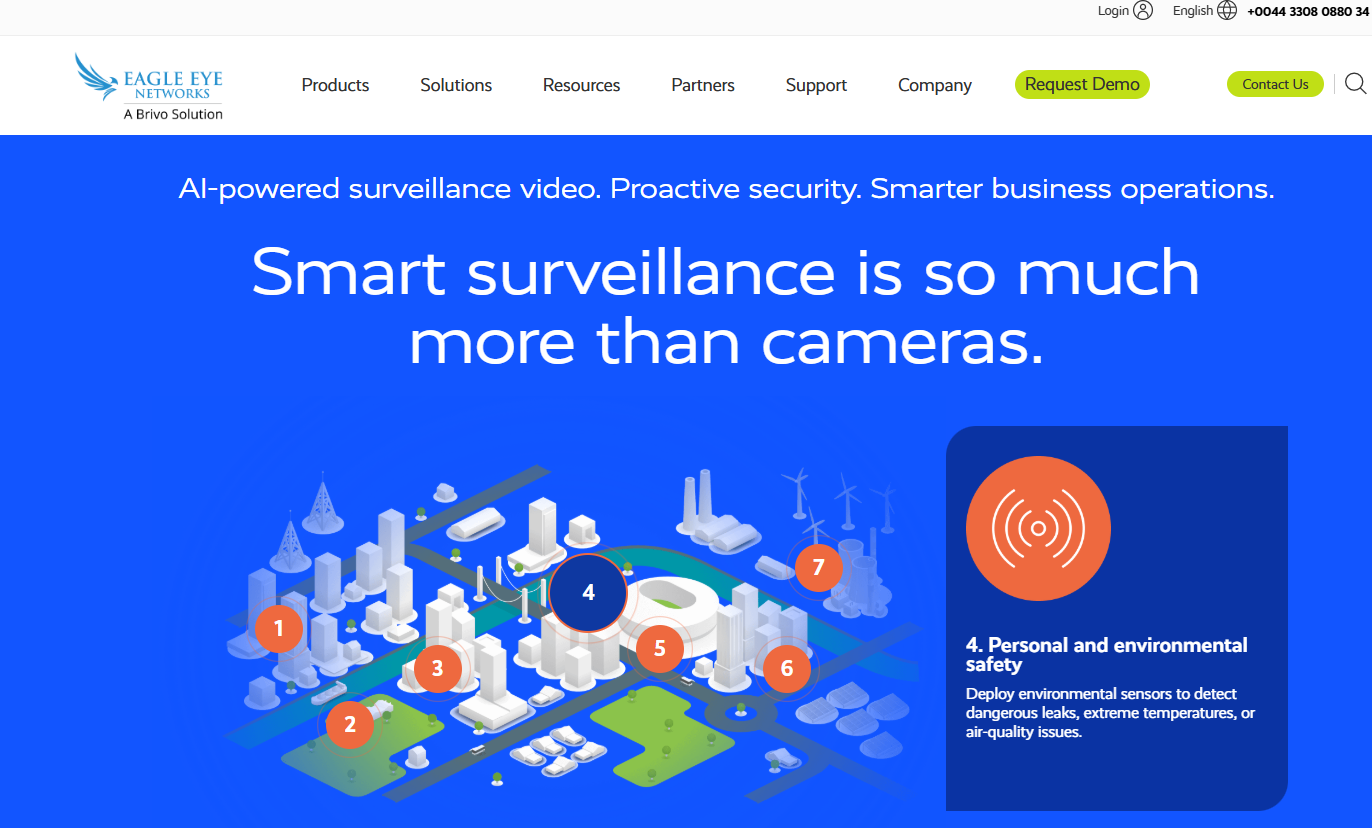
Eagle Eye Networks specializes in cloud-managed video surveillance with a flexible architecture that supports both cloud and hybrid deployments. The platform is built to integrate with a wide array of cameras and third-party systems, giving organizations the ability to modernize at their own pace while retaining investment in existing hardware. Its focus on openness and deployment choice makes it a strong alternative for compliance-driven and multi-site environments.
Key features
- Cloud and hybrid video management options
- Broad compatibility with IP cameras and third-party devices
- Scalable centralized administration for distributed locations
- Configurable retention policies and storage strategies
- APIs and integration tools for systems interoperability
Why we recommend it
Eagle Eye Networks stands out for supporting flexible deployment models and extensive interoperability. Unlike cloud-only systems, it enables organizations to use a hybrid approach that balances cloud convenience with on-premises control. Its open architecture and broad camera support make it a practical choice for businesses that need to integrate legacy equipment or meet specific regulatory requirements.
Pros
- Supports both cloud and hybrid video deployments
- Broad hardware compatibility with multiple camera vendors
- Scales for large, distributed environments
- Flexible storage and retention options
- Integration tools for workflows and third-party systems
Cons
- Core platform is primarily focused on video; access control is less comprehensive
- Some advanced analytics require optional add-ons
- Costs can increase with additional storage, features, or scale
Pricing
Eagle Eye Networks generally uses a subscription model based on camera count, storage choices, and feature tiers. Hybrid deployments may involve additional costs for on-site gateway appliances or extended retention.
Ideal use cases
- Organizations with mixed legacy and new infrastructure
- Businesses requiring phased migration to cloud
- Regulated industries with specific compliance and retention needs
- Multi-site environments that need flexible video management
4. Genetec
Best for enterprise scale
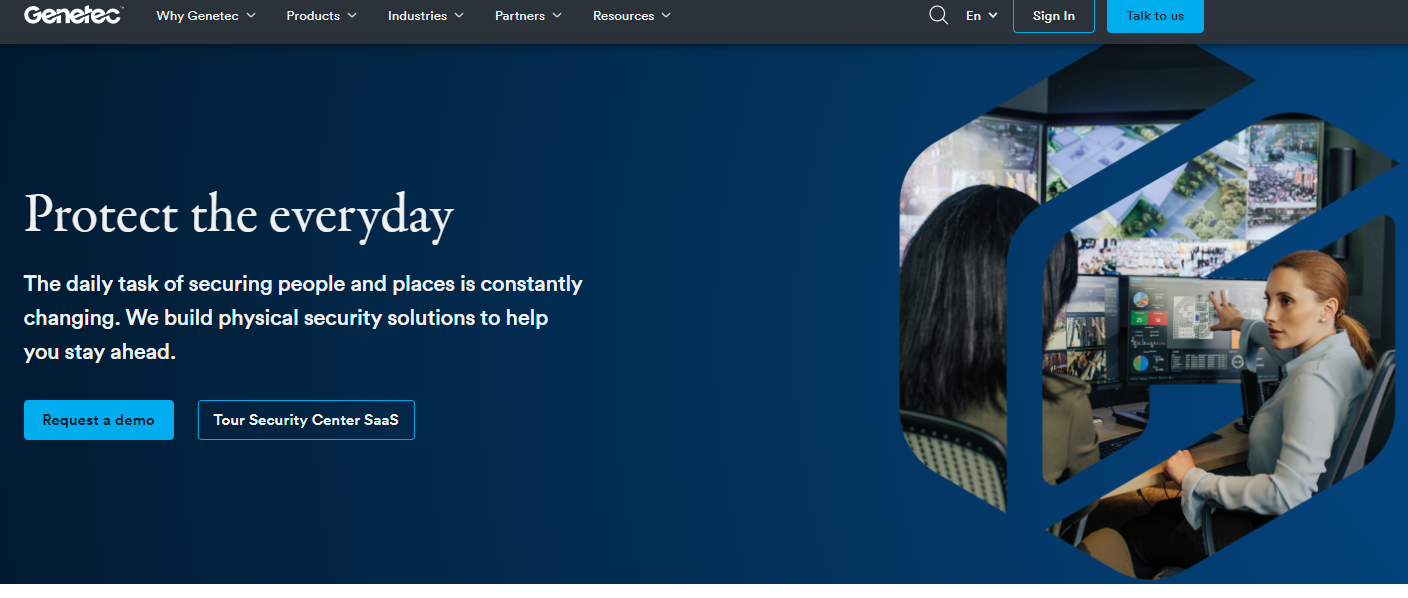
Genetec provides a unified security platform that integrates video surveillance, access control, license plate recognition, and analytics into a modular, highly customizable system. Its flexible architecture and extensive integration options make it a preferred choice for large enterprises, critical infrastructure, and complex security environments where granular control and deep interoperability are essential.
Key features
- Unified platform for video, access control, and license plate recognition
- Modular architecture that supports add-on services and extensions
- Broad third-party integrations with cameras and security systems
- Advanced compliance, reporting, and audit capabilities
- Scalable for large, distributed enterprise deployments
Why we recommend it
Genetec stands out for its depth of customization and enterprise-grade features. Unlike cloud-centric or tightly bundled systems, Genetec’s platform gives organizations the flexibility to tailor the solution to their unique operational requirements. Its rich integration ecosystem and advanced tools for compliance and reporting make it well suited to environments with strict security policies or regulatory oversight.
Pros
- Highly customizable and modular architecture
- Deep integration with third-party systems and hardware
- Scales effectively for very large or complex environments
- Robust analytics, reporting, and compliance features
- Strong global support and professional services network
Cons
- Higher complexity and steeper learning curve for administrators
- Significant upfront licensing and implementation costs
- May be more than needed for small or less complex installations
Pricing
Genetec uses a license-based pricing model with modular options for different components and capabilities. Costs scale with deployment size, chosen modules, and integration requirements, making it predictable for structured enterprise budgeting.
Ideal use cases
- Large enterprises with complex security operations
- Critical infrastructure and government facilities
- Organizations requiring deep customization and reporting
- Environments with stringent compliance or audit requirements
5. Avigilon
Best for AI-driven security
Avigilon, a Motorola Solutions company, offers a tightly integrated security platform that pairs advanced AI-powered analytics with purpose-built hardware. The system is designed to deliver proactive detection, rapid incident insights, and scalable performance, making it well suited for high-security environments where real-time awareness and automated analysis are priorities.
Key features
- AI-powered video analytics and automated object detection
- Integrated hardware and software optimized for performance
- Rapid search, appearance attributes, and event summarization
- Scalable architecture for large, high-security deployments
- Tools for proactive threat identification and response
Why we recommend it
Avigilon stands out for its strong analytics and seamless integration between hardware and software. Its AI capabilities go beyond traditional motion-based alerts, enabling faster detection and searchable events that enhance operational response. In environments where security teams need to detect anomalies quickly and act with confidence, Avigilon’s tightly coupled platform provides a performance advantage.
Pros
- Industry-leading AI analytics that improve detection and review
- Hardware and software designed to work as a cohesive system
- Scalable for large, mission-critical deployments
- Tools that support proactive threat identification
- Simplified workflows for incident investigation
Cons
- Hardware lock-in limits flexibility with third-party devices
- Higher upfront investment compared to cloud-only solutions
- Less flexibility for hybrid or open integration strategies
Pricing
Avigilon’s pricing typically bundles hardware with software licenses, with costs influenced by device count, analytics features, and support level. While upfront investment can be significant, the tight integration often reduces long term complexity and maintenance overhead.
Ideal use cases
- High-security and critical infrastructure environments
- Operations requiring advanced AI analytics and response tools
- Organizations standardizing on a single vendor stack
- Facilities where rapid detection and investigation are essential
Verkada vs. top alternatives: feature comparison
Pricing overview
Pricing for physical security platforms varies significantly by deployment model, feature depth, and scale. Cloud-native providers such as Rhombus Systems and Eagle Eye Networks typically use subscription pricing that bundles software, cloud hosting, and often hardware into predictable monthly or annual costs. In contrast, enterprise platforms like Genetec and Avigilon often involve upfront licenses, infrastructure, and proprietary hardware investments.
Acre Security takes a more modular approach, allowing organizations to mix cloud, hybrid, or on-premises deployments and pay only for the capabilities they need. This structure can make long-term costs easier to forecast while avoiding unnecessary lock-in.
Key cost drivers
- Hardware, including cameras, access controllers, and sensors
- Licensing, whether per device, per feature, or per user
- Storage, based on retention periods and cloud or on-premises requirements
- Analytics or AI add-ons
- Implementation, support, and ongoing services
To make an informed decision, buyers should evaluate total cost of ownership over multiple years, factoring in migration, integrations, and future expansion, not just the initial subscription or license price.
Acre Security: our top recommendation
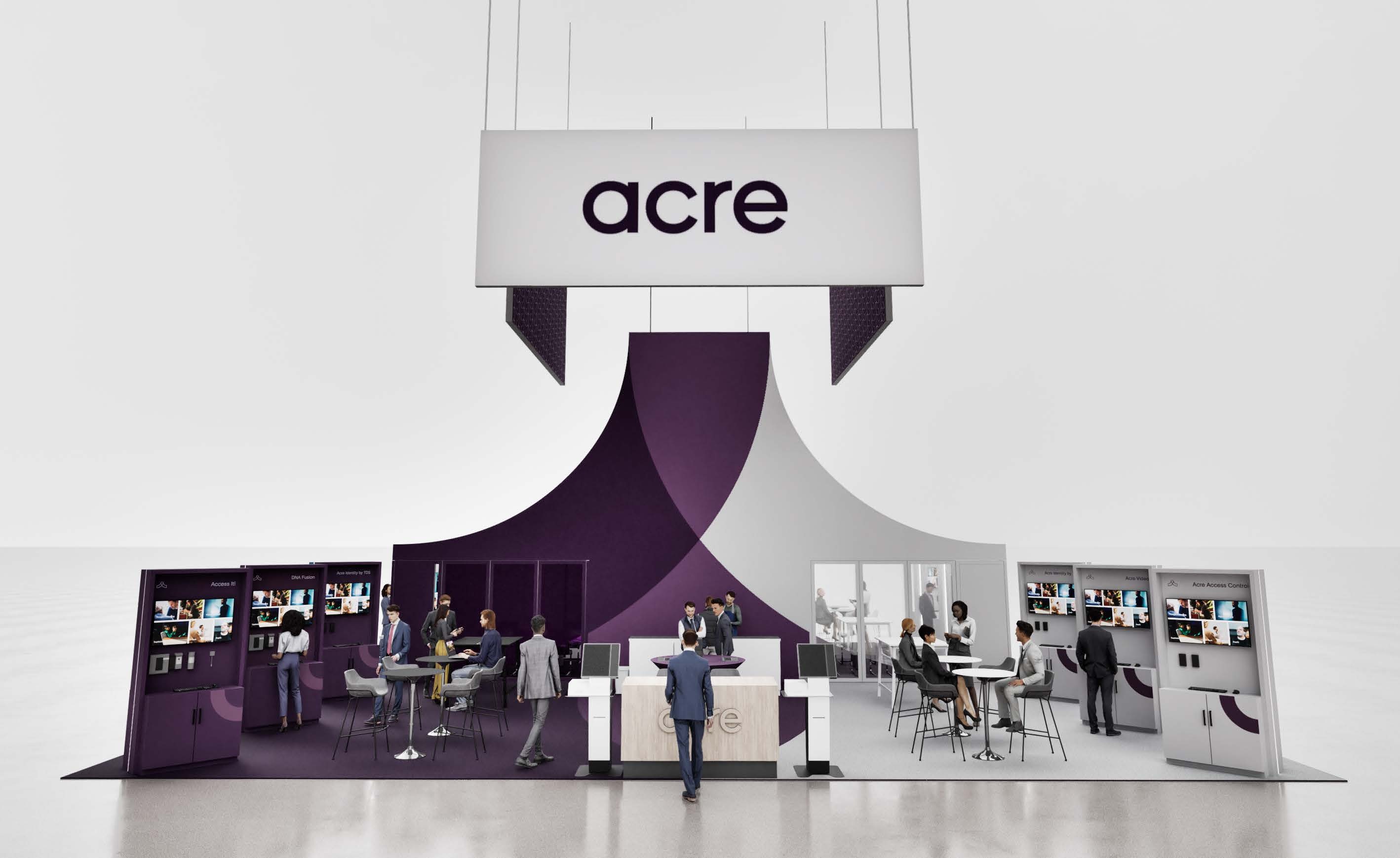
Acre Security provides a flexible, unified approach to physical security that supports cloud and on-premises deployments within a single platform. By bringing together access control, intrusion detection, and analytics under centralized management, Acre helps organizations modernize operations without forcing a rigid architecture or proprietary hardware stack.
The platform is designed for long-term adaptability. Open integrations, modular components, and deployment choice allow teams to scale gradually, connect existing systems, and maintain control over how their infrastructure evolves. This makes Acre a practical fit for enterprises and multi-site organizations balancing modernization with real-world constraints such as legacy equipment, compliance requirements, or phased migrations.
For security and IT leaders seeking greater flexibility, interoperability, and predictable costs, Acre offers a future-ready foundation that can grow with the organization rather than limit it.
To learn more, schedule a personalized demo.
Final verdict
Choosing a physical security platform is a long-term decision that affects risk, compliance, and operational efficiency. Verkada offers simplicity and cloud-first management, but its closed ecosystem and limited deployment flexibility may not suit every organization.
Alternatives span cloud-native, hybrid, and enterprise-focused models, each optimized for different environments. The right fit depends on your infrastructure, integration needs, and growth plans.
For teams that value deployment flexibility, open integrations, and scalable unified management, Acre Security provides a practical and adaptable foundation. Evaluating total cost of ownership and long-term control will help ensure your investment delivers lasting value.
Frequently asked questions
Which Verkada competitors support hybrid or on-premises deployments?
Acre Security, Eagle Eye Networks, Genetec, and Avigilon all support hybrid or fully on-premises architectures. These options are useful for organizations with compliance requirements, limited bandwidth, or existing infrastructure that cannot move entirely to the cloud.
Which Verkada alternative works with existing cameras and hardware?
Platforms with open ecosystems, such as Acre Security, Eagle Eye Networks, and Genetec, typically support third-party cameras and devices. This allows organizations to reuse current equipment and reduce migration costs instead of replacing all hardware.
Is a cloud-only or hybrid physical security system better for multi-site organizations?
Cloud-only systems simplify management and reduce on-site maintenance. Hybrid systems provide more control over storage, performance, and compliance. Multi-site enterprises often prefer hybrid models to balance flexibility with centralized oversight.
How much does it cost to replace Verkada with another platform?
Costs depend on device count, storage retention, licensing, and whether existing hardware can be reused. Subscription-based systems lower upfront costs, while license-based platforms may require larger initial investments. Evaluating three- to five-year total cost of ownership gives the most accurate comparison.
How long does a typical migration from Verkada take?
Small deployments may migrate in a few weeks, while larger or multi-site environments can take several months. Phased rollouts and hardware compatibility can significantly shorten timelines and reduce operational disruption.
Which Verkada competitor is best for large enterprises?
Enterprises that require deep customization often choose Genetec, while organizations seeking unified management with flexible cloud and hybrid deployment frequently evaluate Acre Security. The best fit depends on integration complexity, scale, and internal IT resources.

.png)